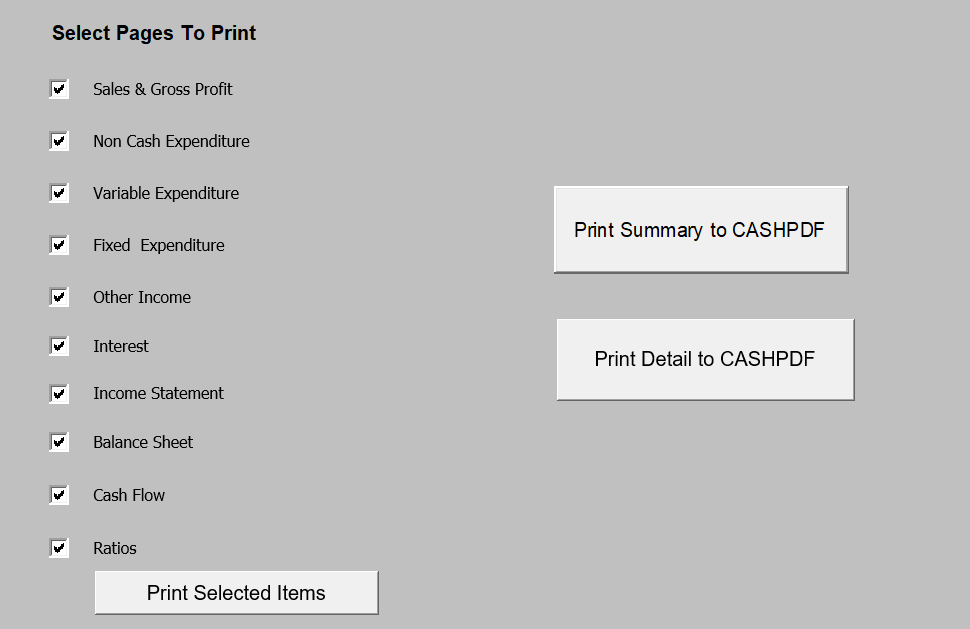
Select this screen to print out the details of your cash flow. By ticking the checkboxes below the system will print out all the reports. If you only want a few sheets select the items you want and then just click on Print Selected Items.
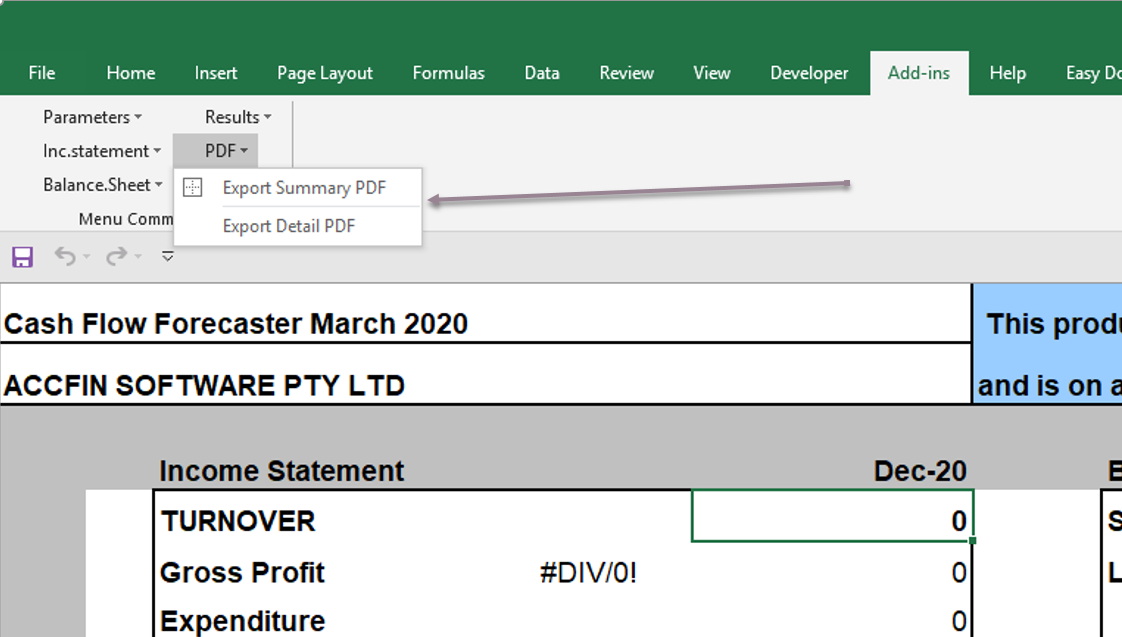
Select PDF to send the reports to a PDF file on your C:\drive. The Print Summary will send the three main sheets, income statement, balance sheet and cash flow to a PDF file and the detailed sheet will print all the reports available to a PDF file. The export to PDF is also available on the menu option.