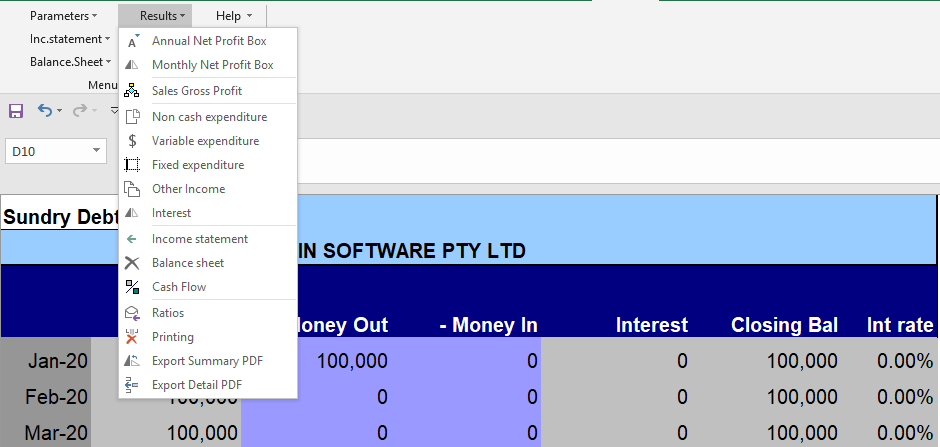
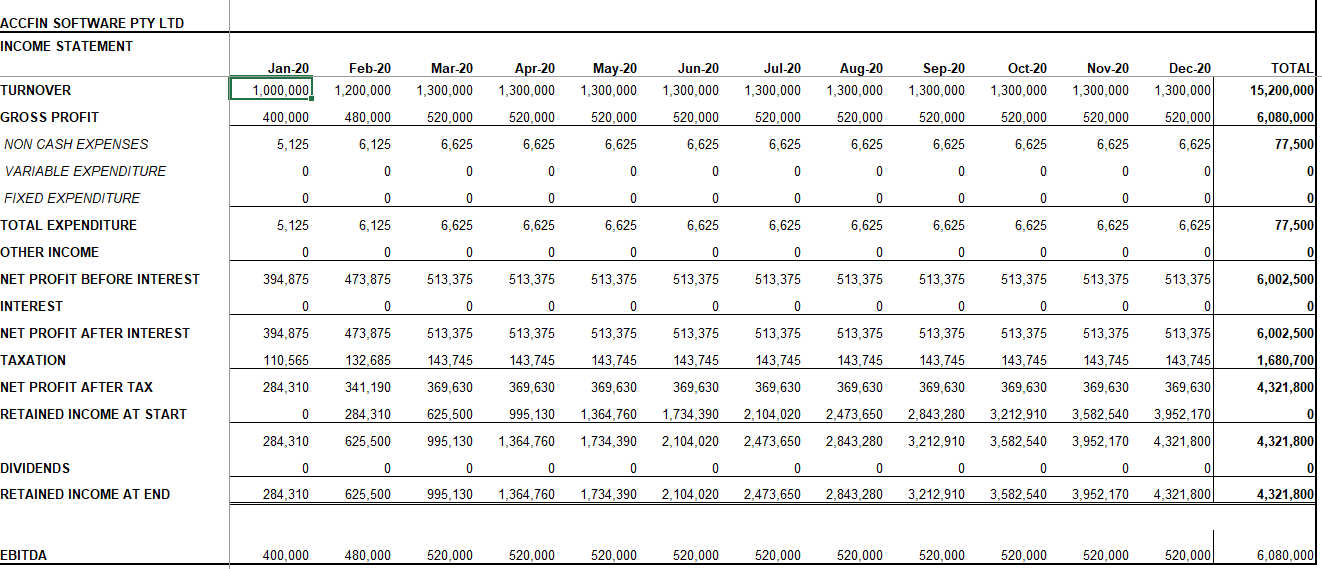
This screen displays all the options for the results which are all based on the inputs. In order to print select the menu Printing option.
Use scroll bars to navigate around the result sheets . Use the Printer Icon to print the sheet that you are viewing. By selecting the the Printing and Exporting option you can batch print a set of results or send to a PDF file.
You can drill down to any supporting figure on the Cash Flow Results by floating the mouse pointer over a figure and double clicking.
In some instances if you double click on a figure the system will take you back to the original screen.